

Web Applications
Web Applications Your Organisation Can Rely on Every Day
We replace shared spreadsheets and email threads with one place to work, with proper logins, permissions and a record of who did what, available from any browser with nothing to install.
Our Point of View
The right replacement for a shared spreadsheet is one application that does a single job well, with clear permissions and a record of who changed what.

The Situation
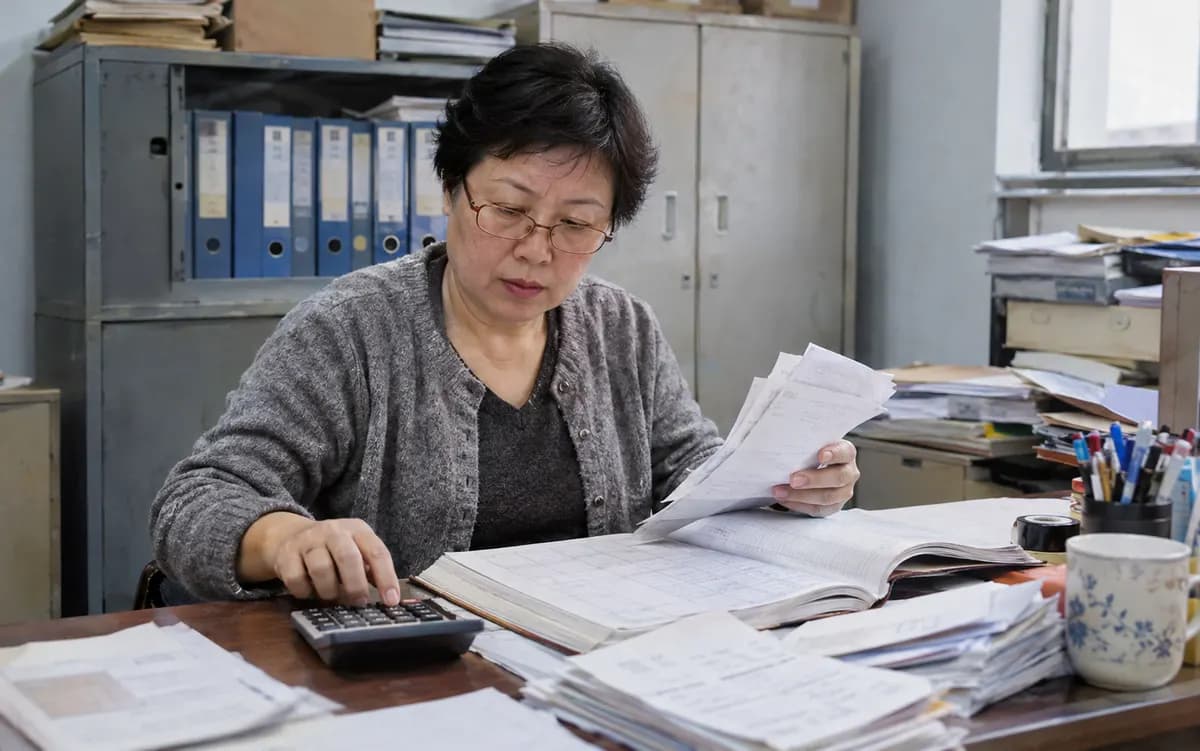
Important work often runs on shared spreadsheets and email threads, because building something better can appear too large an undertaking. The cost shows up as several versions of the same figures, an unclear record of who changed what, and reports that someone must rebuild by hand.
Our Approach
A focused application changes that at a proportionate scale. We build screens for the exact job your team does, with logins, roles and an activity record, and connect them to the accounting, CRM, payment and messaging tools you already use. It is deployed on your own account, and the source code and documentation remain yours, so that the system stays under your control.
What We Deliver
From Shared Spreadsheet to One Reliable Application
How We Engage
Your First Version in Four Weeks
A first working version arrives within four weeks, and the full engagement runs to six. The additional time reflects screens built for your team's exact job and integrations with the tools you already use.
Configuration on Your Data
We stand up the platform and load it with data representative of your business. By the close of week one, your stakeholders are reviewing a working system.




Expected Outcomes
What Leadership Should Expect to See
One Place to Work
Shared spreadsheets and email threads give way to one application, so that teams and partners work from the same information.
A Clear Record of Who Did What
Roles control who can see and change what, and every action is recorded, so that questions about a change can be answered from the record.
Live Figures in Place of Manual Reports
Dashboards draw live figures from your systems, so that the numbers are ready whenever a decision is due.



Industries
Where This Work Applies
Client portals give the people you work with one secure place to track work and obtain answers, in place of long email threads.
Order tracking and internal tools replace the shared spreadsheets behind daily operations, and every screen works on a phone or tablet as well as a desktop.
Staff, students and partners need different access to the same records, which roles and permissions provide with nothing to install.



Insights
Perspectives on Web Applications
Perspective · 5-minute read
Build the Reason for Every Public Decision Into the Case System
ExpandPublic bodies often reconstruct their reasons only when challenged. We build the case system so a decision cannot be finalised without its reason, authority and evidence.
Guide · 5-minute read
Choose the Browser by Default, and Desktop When a Named Need Requires It
ExpandHardware, local files and offline work decide the question better than taste. When a task needs the machine, we build desktop software that updates itself safely.
Perspective · 4-minute read
Ask Citizens Fewer Questions and Every Service Redesign Starts From a Stronger Place
ExpandYour department's own records show which questions a form can drop. We research with real applicants, redesign the path and measure the live result against your earlier figures.
Perspective · 4-minute read
Name One System of Record for Each Kind of Patient Data Before You Build an Interface
ExpandConnection is the easier half of hospital records. We settle which system owns each fact first, then connect them so that every failure raises an alert.
Guide · 4-minute read
Keep Most Spreadsheets, and Replace the Few That Have Become Systems With One Focused Application
ExpandA spreadsheet becomes a system when other people act on its output without being able to check it. Most files can stay, and we replace the few that carry weight with one focused application.
Perspective · 4-minute read
Trade Customers Who Order by Message Can Keep the Habit While the Order Is Captured Behind It
ExpandA trade buyer ordering by message has chosen the quickest tool. We build the order record, the buyer's own prices and the credit check behind it, so no one retypes.
Perspective · 4-minute read
Decide Which System Owns Each Fact, and Every Connection You Build Becomes Simpler
ExpandConnecting two systems is the easy part. Deciding which one is right when they disagree comes first, and we settle ownership of each fact before we build anything.






Frequently Asked
Questions From Prospective Clients
Will the Application Work on Phones and Tablets as Well as Desktops?
Will the Application Run on Our Own Cloud Account or on Yours?
Which Shared Spreadsheet Should Become the First Application?
Can a Portal Restrict What Each Customer or Partner Is Able to See?
Will We Be Able to Establish Who Changed a Record?
Can Dashboards Draw Live Figures From the Accounting and CRM Tools We Already Use?
What Can Our Team Use at Week Four, and What Does Week Six Add?
Explore Further
Related Services
Custom Software
Software shaped around your process, for the part of the work that off-the-shelf tools cannot handle, and owned by you.
Desktop Applications
Windows, macOS and Linux applications that work offline, reach local files and hardware, and update themselves safely.
Mobile Apps
One app for iPhone and Android, for people working away from a desk, on the same system as your other software, with or without signal.



Next Step
Book an Appointment
Arrange a complimentary 30-minute conversation, with no obligation. You will leave with a candid view on whether the initiative is worth building and, if it is, a scope and a date, with the cost worked out together on the call. Alternatively, send an enquiry and we will respond.