Yes. Two of their services cover it together:
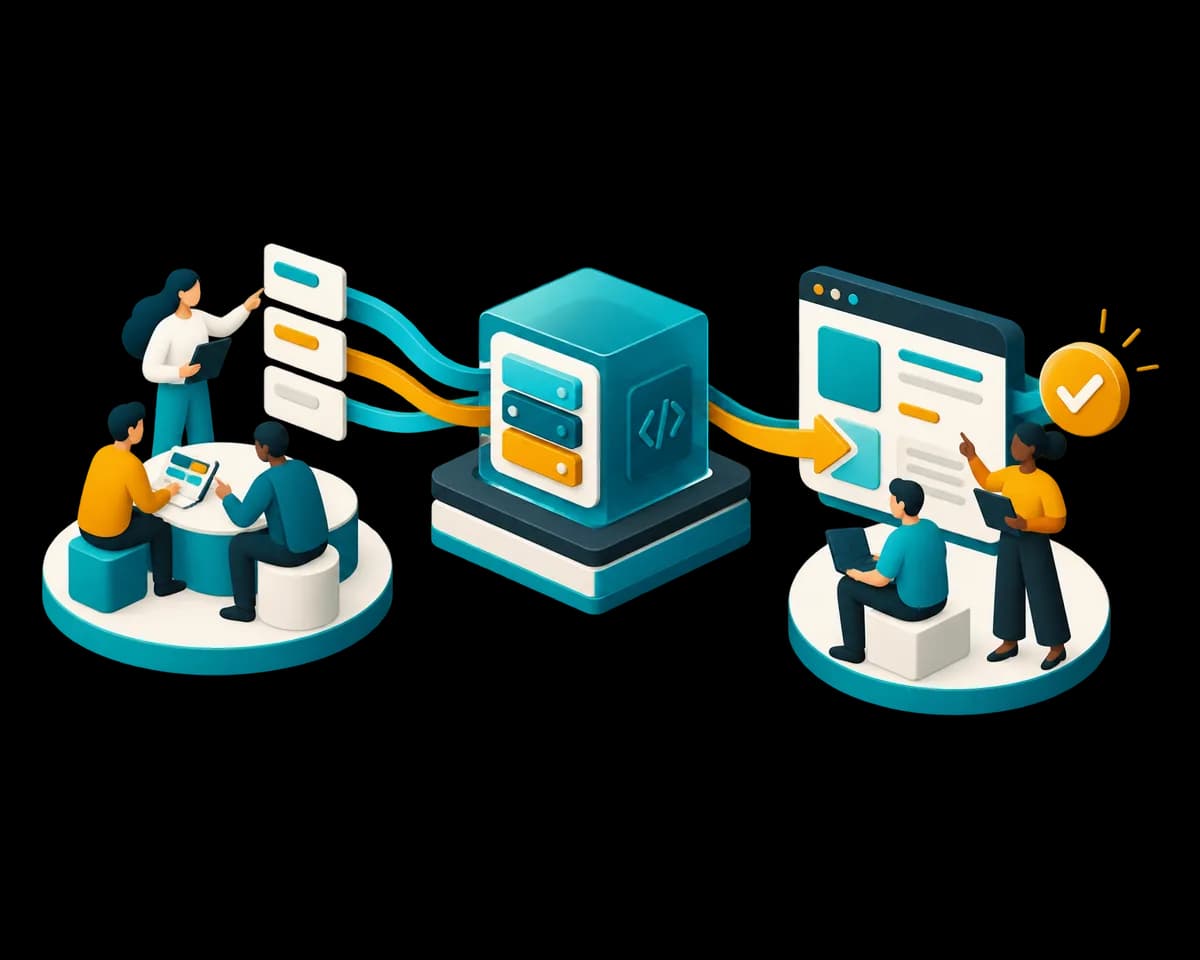
- Website development: a fast, clear site on your own domain, with a machine-readable layer so assistants quote you correctly.
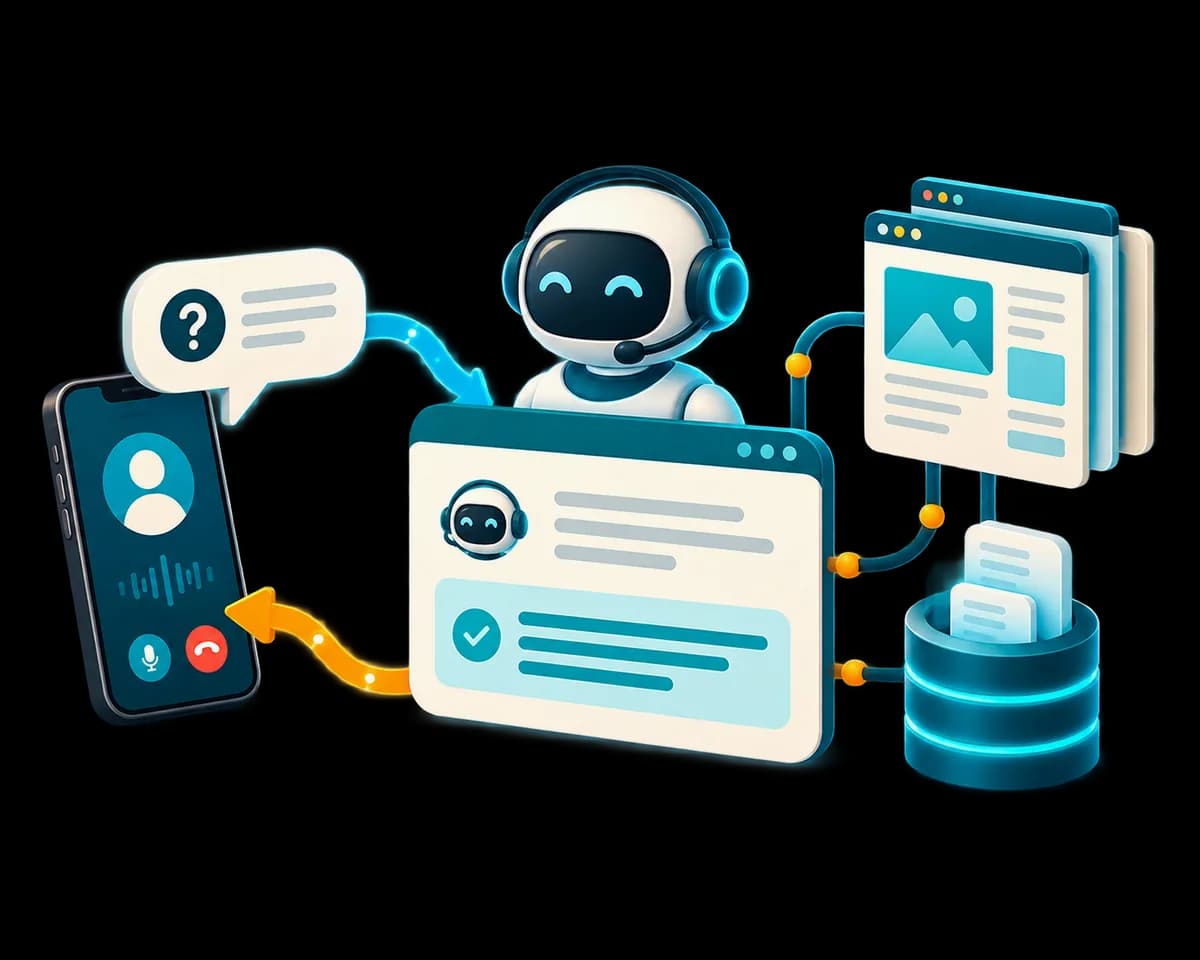
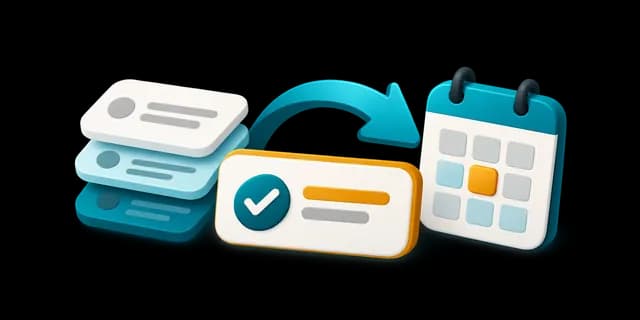
- AI and automation: answers tested on your real cases before launch, with a person checking wherever a wrong answer costs money.
- How long: a first working version in four weeks, agreed in writing before work starts.
Two quick questions, so the first call is useful: what should the assistant answer, and do you have a site today?