Perspective
Instrument Software Belongs on the Computer Beside the Instrument, and We Build It to Last
The application beside an instrument often began as a service tool. Where it drives the hardware, we build it as a long-lived part of the product that works offline and updates safely.
4-minute read5 November 2026
In Brief
- CDSCO's guidance says software intended to drive or influence a hardware medical device takes the same risk class as the device, so the instrument's application is hard to treat as an accessory.
- We see four actions: decide what belongs on the desktop and what in the browser, state the platform you depend on, control the versions in the field, and keep work going when the network does not.
- Thinqmesh builds Windows, macOS and Linux applications that work offline, reach local files and hardware, and update safely, with the source code and documentation yours.
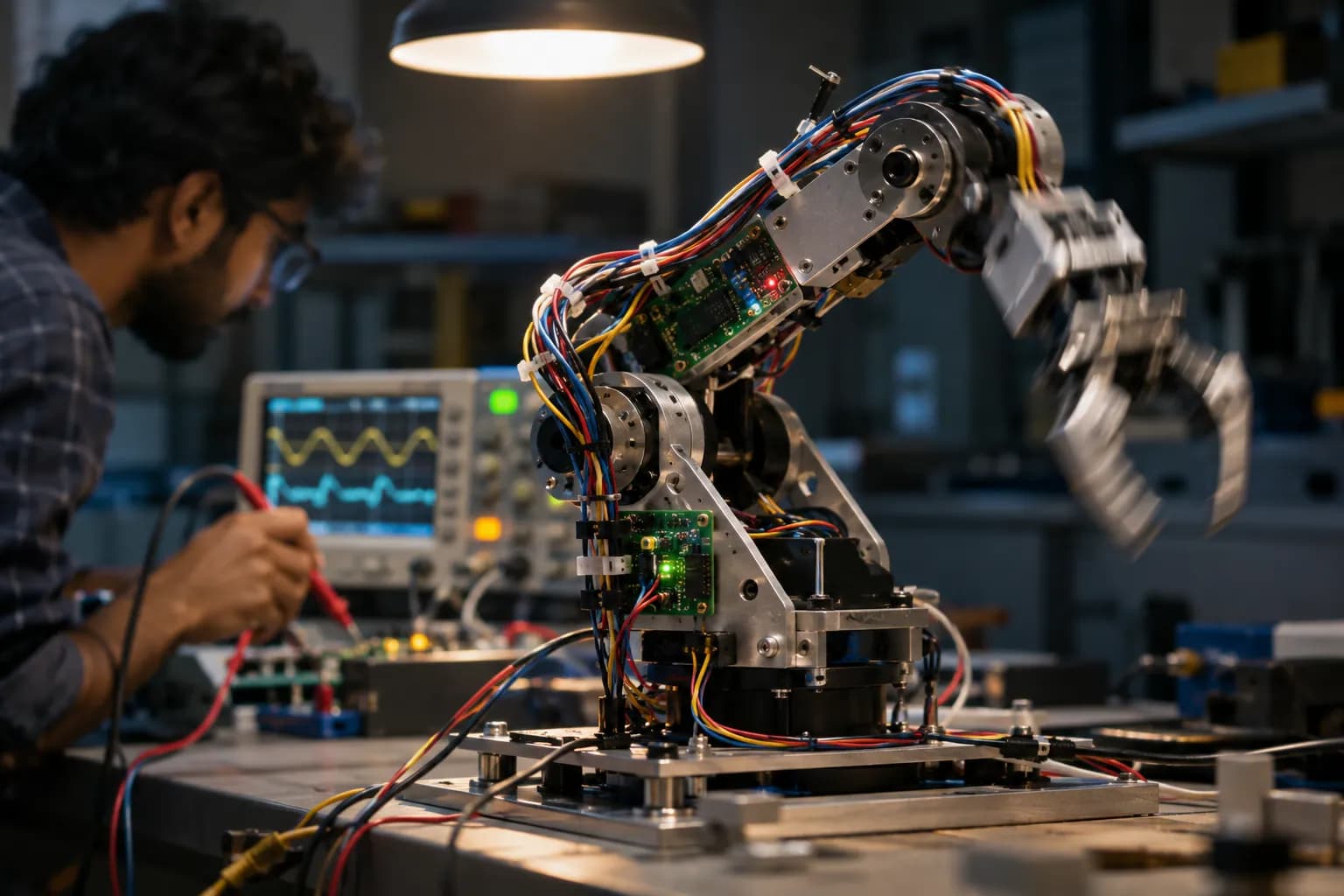
Beside many analysers, imaging units and bench instruments sits a computer running a desktop application. It talks to the hardware, holds the calibration, drives the run and writes the result. It may have started as an engineer's service tool, and it is often still managed like one. When renewal comes up, the usual proposal is to rebuild it for the browser, because that is where the rest of the company's software has gone. Our view is that software in the control or acquisition path should stay local and be built to live as long as the instrument.
The Application Is Part of the Product
CDSCO's guidance says that software intended to drive or influence a hardware medical device takes the risk class of that device. Whether a given program is regulated depends on its intended use, so the decision should be made deliberately and written down.
The platform beneath it is the part you do not control. Operating systems and drivers retire during an instrument's service life, and an application built without that in mind becomes costly to support. The cost lands on the field team, who maintain older machines for longer than planned. Built for long life, with a known platform, controlled versions and safe updates, the same application becomes an asset that serves for years.
Four Actions for Software That Has to Live as Long as the Instrument
Each fits an application in the control or acquisition path, where the program and the hardware are used together for years.
Split Desktop From Browser by the Job
Hardware control, acquisition and raw data stay local, while review, reporting and fleet views can live in a browser.
Instruments connect through serial or USB interfaces, frame grabbers and vendor drivers that a browser cannot reach. Review and reporting have no such need. We draw the line job by job, so the part that touches the hardware runs locally and the part everyone looks at is available on any screen.
Get started
- List every function of your application and mark whether it touches the hardware.
- Move only the functions that do not into the browser plan.
State the Platform You Depend On
Operating system, drivers and utilities are written down by version, with a plan for when each retires.
An instrument expected to serve for many years will outlive several operating system releases, and FDA's guidance on off-the-shelf software notes that sponsors do not control that life cycle. We record the platform by version and design the application so that moving to a newer one is a planned step.
Get started
- Write down the operating system, drivers and runtime of your oldest fielded instrument.
- Find the support end date of each and note who owns the plan.
Control the Versions in the Field
Every site's version is known, and updates reach every machine without a visit.
A program last updated from a USB stick, with no record of which site runs what, sits uneasily with guidance that asks for version and access controls. We build signed installers and safe, automatic updates, and a view of which version each machine holds.
Get started
- Make a list of the versions running at each of your sites.
- Note how the last update reached the slowest site.
Keep the Run Going Without the Network
A run in progress and the sample it has consumed should not depend on a connection staying up.
A laboratory bench, a ward or a field clinic can lose its connection mid-run. Local software finishes the run, writes the raw data straight to disk and synchronises when it can. We design the sync so that nothing is lost and nothing is entered twice.
Get started
- Pull the network cable during a test run and note what is lost.
- List the data that must be saved locally before any upload.
How Thinqmesh Solves This
A first installable version arrives within four weeks, and the full engagement runs to eight. The additional time allows signed installers and safe updates to be proven on each operating system you use.
- Week 1
The Job Split Between Desktop and Browser
We go through your application, mark what touches the hardware, and agree what stays local and what moves to the browser.
- Week 2
A First Installable Version
A first installable version works with your instrument, files and printers, and keeps working offline.
- Week 3
Signed Installers and Safe Updates
Installers are signed so each computer can confirm the source of an update, and updates reach every machine without anyone visiting it.
- Week 4
Proven on Your Operating Systems
Offline work and sync are tested, and the update route is proven on each operating system you use over the remaining weeks.
You finish with signed installers, automatic and safe updates, offline working with sync, and source code and documentation that you own.