Guide
Test a Clinical Documentation Assistant on Your Own Consultations Before You Trust It
A headline accuracy figure describes the vendor's test. We build an evaluation on your own consultations, so you know which errors occur and whether reviewers catch them.
4-minute read5 November 2026

In Brief
- Published studies find omissions are the commonest error, and some notes hold errors rated a serious risk if left uncorrected. A signature at the end is a control only if reviewers catch what is wrong.
- We see four actions: test on your own consultations, score errors by type and severity, seed known errors to test your reviewers, and rerun the test on every model update.
- Thinqmesh builds the evaluation set, the access controls and the monitoring around the assistant, and runs automated tests on every change, so that quality is measured before and after launch.
A clinical documentation assistant listens to a consultation and drafts the note, and the doctor checks and signs it. The buying conversation tends to centre on minutes saved and a headline accuracy figure. We think a hospital needs something more specific: which kinds of error the tool makes in its own clinics, and whether its clinicians catch them at the end of a long list.
A Signature Is a Control Only If It Is Tested
Published studies of these tools find that omissions are the commonest error, followed by invented statements, and that configuration changes the result. A vendor's number therefore describes the vendor's test. Editing also varies widely between clinicians, so review is not one uniform activity.
Omissions are awkward. A wrong statement can catch the eye, while a missing allergy leaves nothing on the page to notice. So we measure on your own consultations, score errors by type and severity, test whether reviewers catch known errors, and rerun the test on every model update.
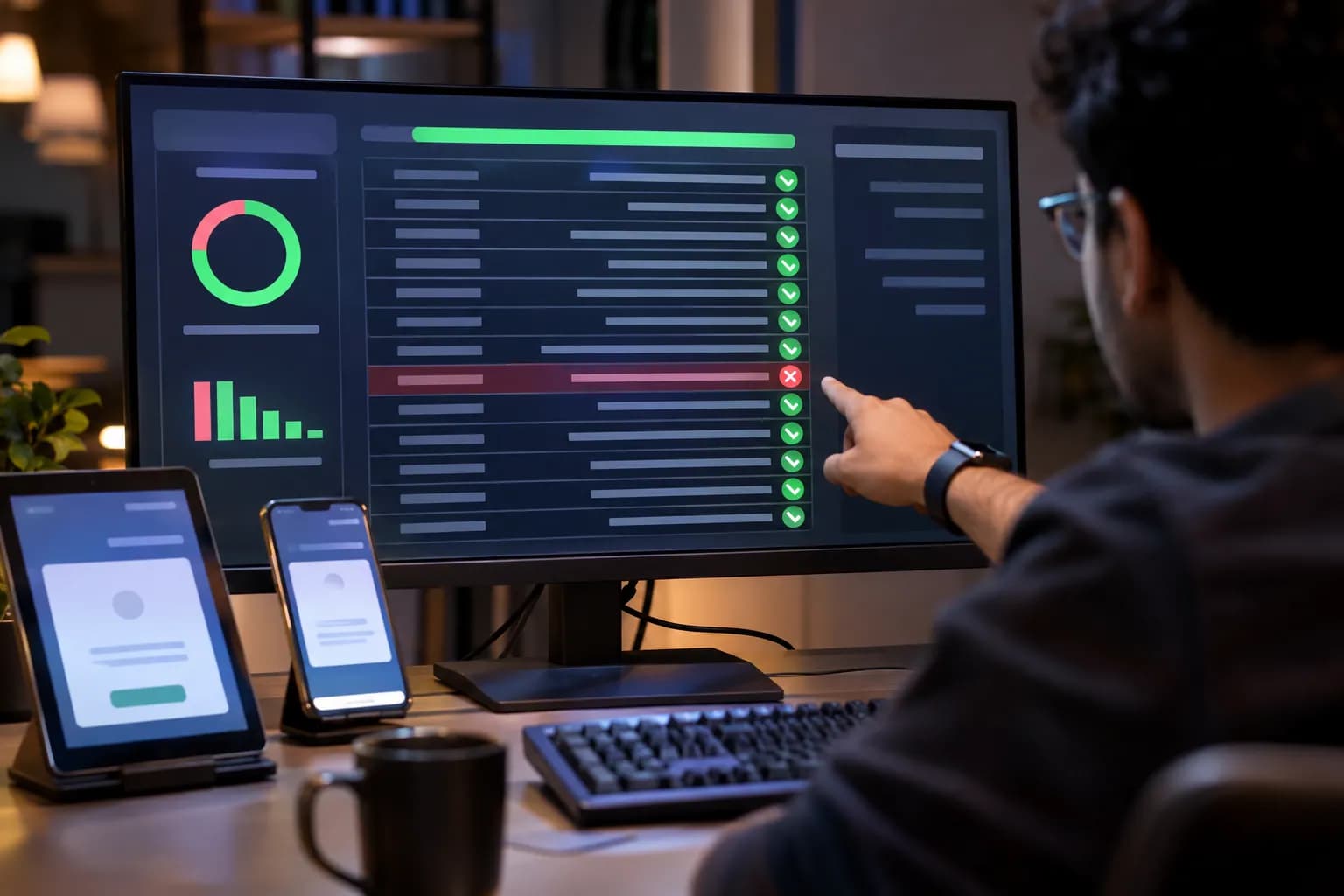
Four Checks Before a Documentation Assistant Goes Live
They apply to any vendor's tool, and they give your clinical leaders evidence where a headline figure would otherwise stand.
Test on Your Own Consultations
A vendor's number describes the vendor's test. Your clinics have their own languages, accents and noise.
Record or transcribe a representative set of consultations, with consent, including mixed languages and noisy rooms. Have clinicians write the correct note for each, so that you hold answers to compare against.
Get started
- Choose consultations across specialities and languages.
- Ask clinicians to write the expected note for each.
Score Errors by Type and Severity
Omissions, invented statements and wrongly included details carry different risks.
Count each type separately and classify it as minor, significant or serious. A missing allergy leaves nothing on the page to notice, while a wrong statement can catch the eye, so omissions deserve their own attention.
Get started
- Define the error types and the severity scale with your clinicians.
- Score every test note against them.
Test Whether Reviewers Catch Errors
Clinician sign-off is a control, and a control needs testing like any other.
Seed known errors into draft notes and measure how many your reviewers correct. Automation bias is a recognised risk, and editing varies widely between individual clinicians, so review is not one uniform activity.
Get started
- Add three known errors to ten draft notes.
- Record which ones each reviewer catches.
Treat Every Model Update as a Change
A new version can change the pattern of errors, so the test runs again.
Keep the test set and the scoring method fixed, and rerun them whenever the vendor changes the model or you change a setting. Access follows each clinician's permissions, and an activity record shows what was drafted and who approved it.
Get started
- Record the current model version and settings.
- Agree who reruns the test after each update.
How Thinqmesh Solves This
We build evaluation in from the start, testing answers against real examples from your work, and we run automated tests on every change so that quality stays measured as the assistant evolves.
- Week 1
An Evaluation Set From Your Examples
We build an evaluation set from real examples of your work and measure a score on them, before further investment.
- Week 2
Answers From Your Own Records
The assistant draws on your own documents and shows its sources, with access that follows each person's permissions.
- Week 3
Tests That Run on Every Change
Automated tests are connected to your release process so that they run on every change.
- Week 4
In Use, With a Person Approving
The feature is in use with a person approving anything high-stakes, and with quality and cost monitored.
You finish with an evaluation set that measures answer quality, access controls and an activity record, and monitoring of quality and cost. Clinical decisions remain with clinicians.